
Getting started
From download to your app’s layers in 3D. You need a Mac with macOS 14 or later and an iOS app you can build in Xcode.
Install Cutaway
Download the disk image, open it and drag Cutaway to Applications.
Download Cutaway 1.2.0All releases and checksums
macOS says it can’t verify the developer?
Cutaway’s builds are not notarized by Apple. The first time you open it, open System Settings › Privacy & Security and choose Open Anyway, or run:
xattr -dr com.apple.quarantine /Applications/Cutaway.appTo find out about newer releases later, choose Cutaway › Check for Updates… at any time.
Add CutawayServer to your app
CutawayServer is the small iOS SDK that answers Cutaway from inside your app. Add it with Swift Package Manager:
File › Add Package Dependencies…, enter

  https://github.com/nothingsh/CutawayServer

and add the CutawayServer library to your app target.dependencies: [
.package(url: "https://github.com/nothingsh/CutawayServer", from: "1.2.0")
]
// …and add the product "CutawayServer" to your app target's dependencies.Then start it once when the app launches:
import CutawayServer

func application(
    _ application: UIApplication,
    didFinishLaunchingWithOptions launchOptions: [UIApplication.LaunchOptionsKey: Any]? = nil
) -> Bool {
    CutawayServer.start()
    return true
}import CutawayServer
@main
struct MyApp: App {
init() {
CutawayServer.start()
}
var body: some Scene {
WindowGroup { ContentView() }
}
}start() can be called from any thread, and calling it again does nothing.
Only in Debug builds
CutawayServer is compiled into builds that define DEBUG, and is an empty function everywhere else. Building a configuration named Staging or QA? See Debug and Release builds.
Run your app and connect
Run the app in the Simulator, or on an iPhone or iPad connected to your Mac with a cable. Open Cutaway: your app appears in the list within a few seconds. Choose it.
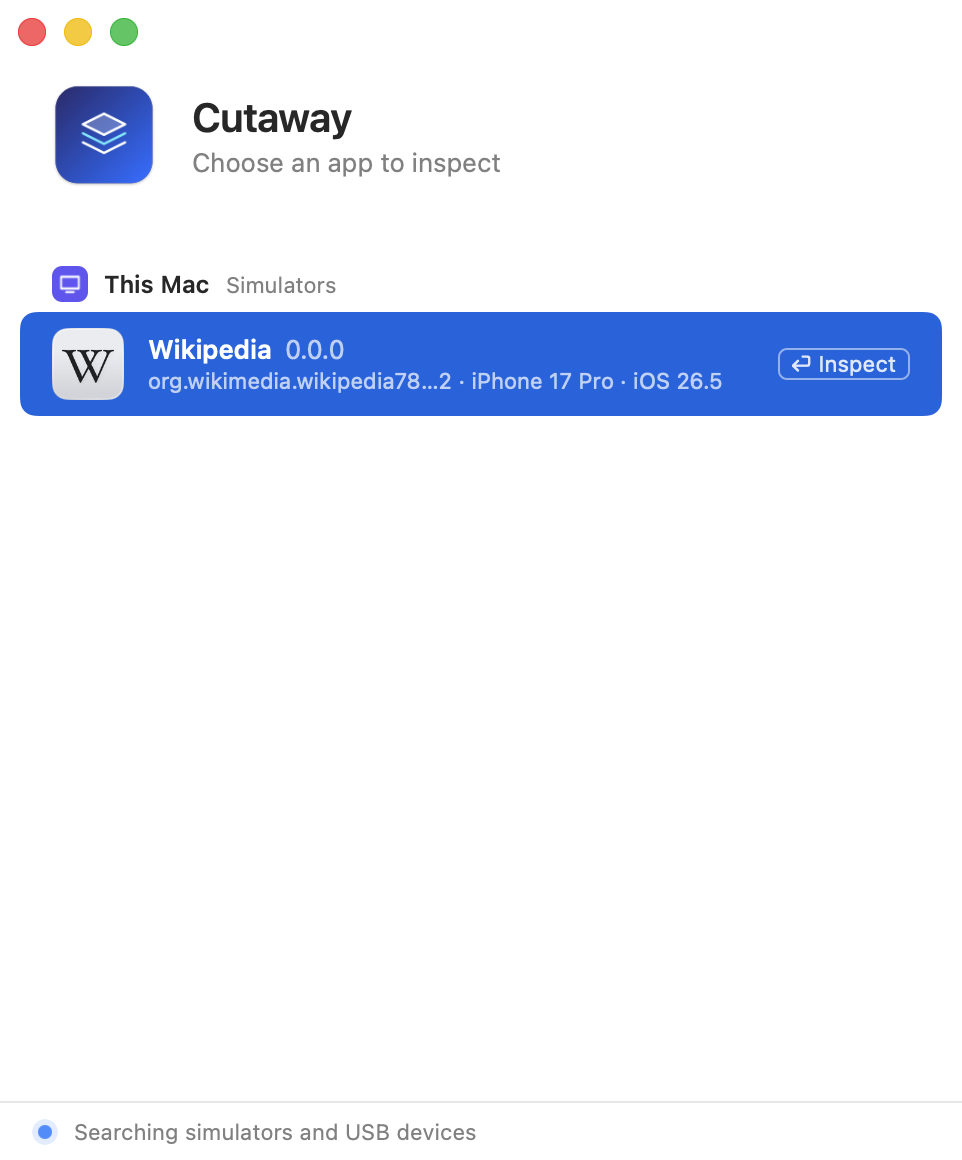
The layer tree arrives first, then a screenshot of every layer. The preview starts in 2D, where dragging pans it: press ⌘2 for 3D, then drag in the preview to turn the layers.
Your app isn’t in the list?
Check these, in order:
- The build includes the server. The configuration defines
DEBUG, or the package’sReleaseEnabledtrait is on. See Debug and Release builds. - The server is started.
CutawayServer.start()runs at launch, and the app is in the foreground: the server listens once the app becomes active. - On a device: it is connected with a cable, unlocked, and trusts this Mac.
- The list shows the app with two versions: one side is too old for the other. Update the older one; see Versions and compatibility.
More answers are in FAQ and troubleshooting.