
Preview
Take the interface apart
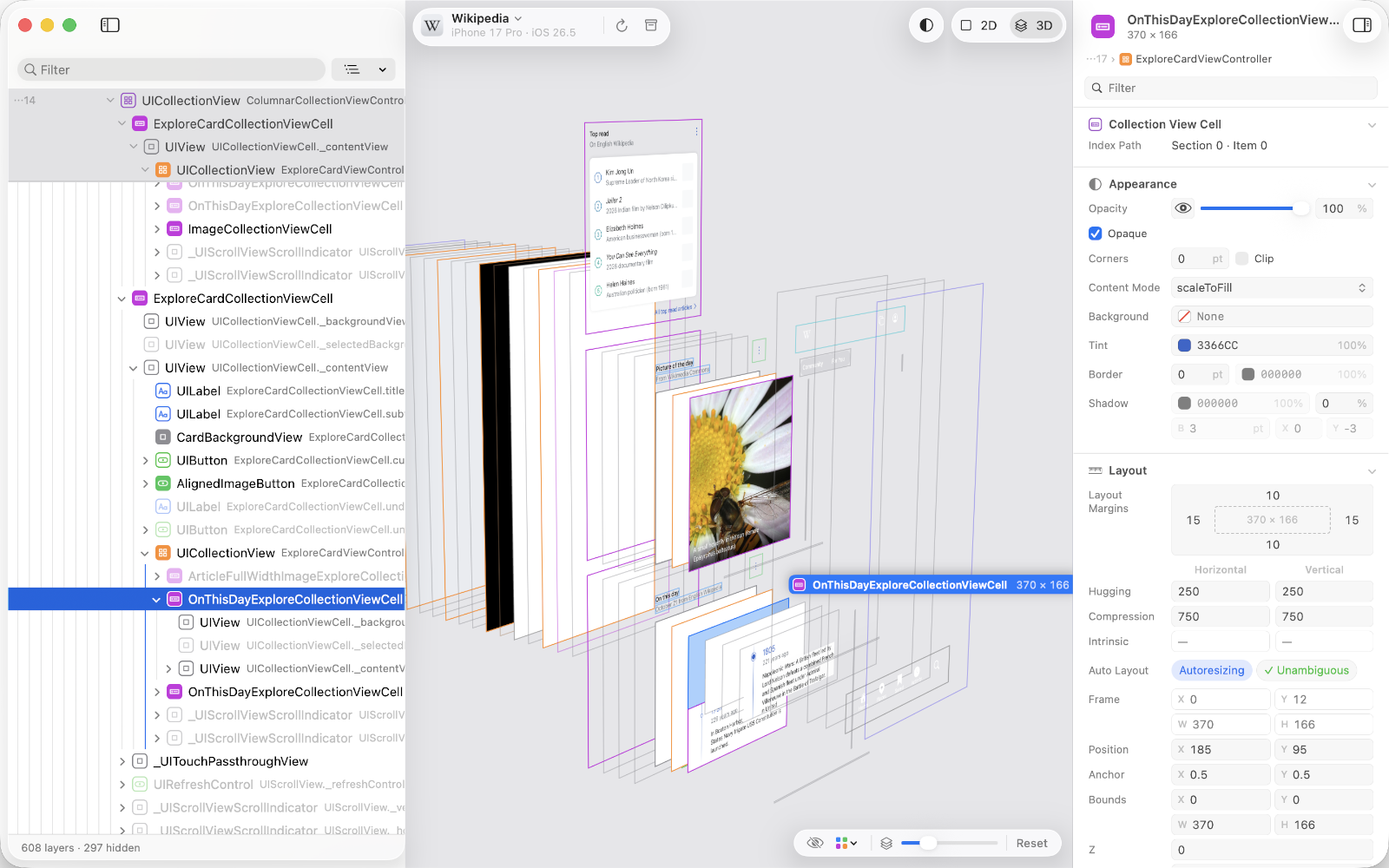
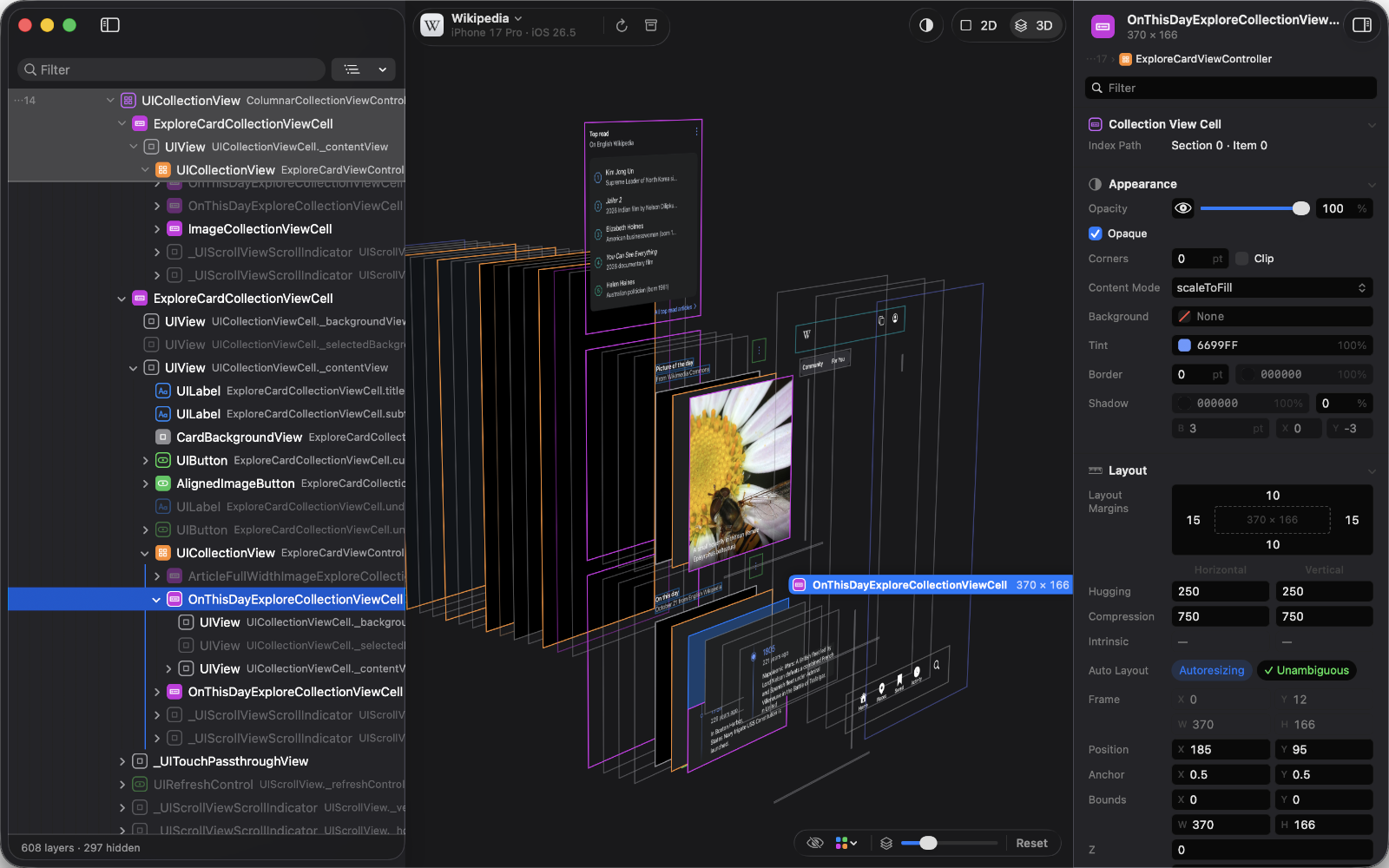
Spread the layers apart in 3D and turn them with the trackpad to see what sits behind what. Collapse a subtree in the list and it folds back into one.
The preview →Cutaway is a free Mac app that looks inside your running iOS app: every layer of the interface in 2D or spread apart in 3D, with its attributes and Auto Layout constraints. Change a value, and the app changes with it.
About ten minutes, most of it waiting for a build.
Add the Swift package to your iOS app and start it at launch. It goes into Debug builds only.
CutawayServer.start()In the Simulator, or on an iPhone or iPad connected to your Mac with a cable.
Your app appears in the list within a few seconds. Choose it, and its layers arrive.
Everything below works in the Simulator and on a device over USB, with any app that includes CutawayServer.
Spread the layers apart in 3D and turn them with the trackpad to see what sits behind what. Collapse a subtree in the list and it folds back into one.
The preview →Select a layer, hold ⌥ and point at another, in the preview or in the layer list. The distances appear in points, in 2D and in 3D.
Measuring →Edit text, colors, opacity, insets and more. Each change is applied in the running app at once, and ⌘Z undoes it.
Attributes →See every constraint that refers to a view, which ones are not in effect, and where the other end is. Click the other end to go to it.
Constraints →Override the app’s appearance, text size, layout direction and size classes from the toolbar, and the preview follows, without opening the Simulator’s settings.
Environment →Save an inspection as a .cutaway file and open it later on any Mac, without the device: the tree, screenshots, attributes and constraints are all there.
Archives and export →Every full test run on the development Mac holds Cutaway to these limits, on a generated tree of 10,000 layers shaped like a real app.
The Mac app and the iOS SDK share no code, only a versioned protocol, so either side can be read, tested or replaced on its own.
The macOS app. Finds your apps, draws their layers and edits their attributes. Swift, AppKit and Metal.
The iOS SDK you add to your app. Captures layers, images and attributes when Cutaway asks. Pure Swift, no dependencies.
The FlatBuffers protocol between them: a numbered specification, the schema, and fixtures for testing either end.