
Settings
Open Cutaway › Settings… (⌘,). Changes are saved as you make them; the General and Preview pages have Restore Defaults.
General
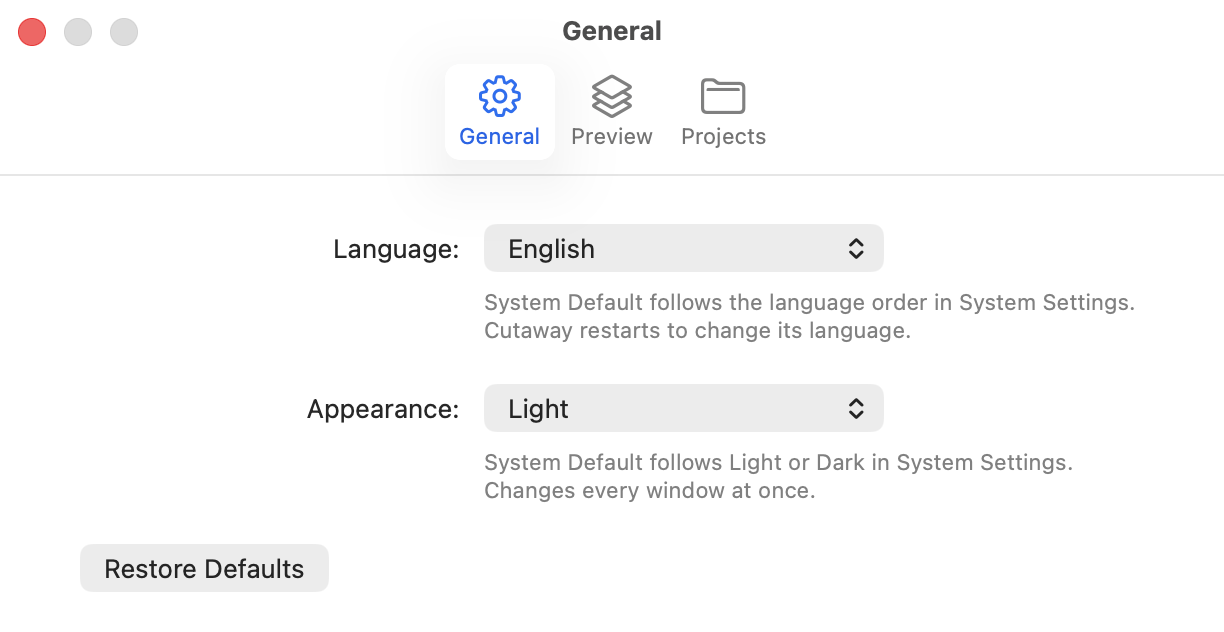
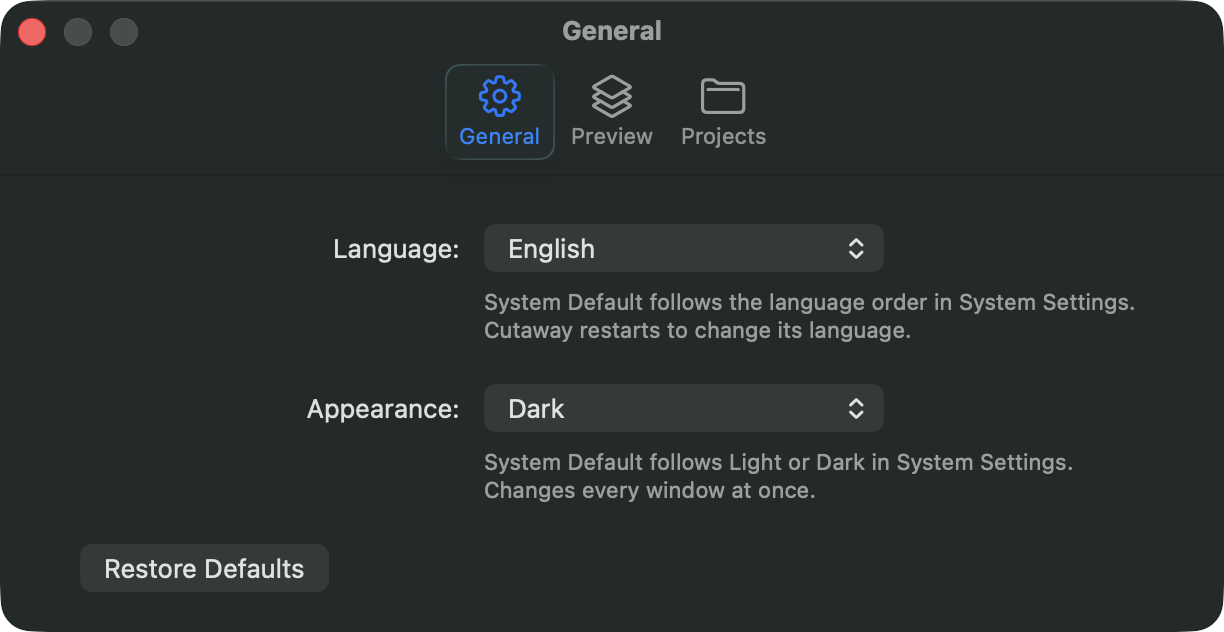
- Language: System Default, or English, 简体中文, 繁體中文, 日本語 or 한국어. System Default follows the language order in System Settings. Cutaway restarts to change its language: choose Restart Now, or Later to switch the next time it opens. Open inspections close; their apps can be inspected again after the restart.
- Appearance: System Default, Light or Dark. System Default follows Light or Dark in System Settings. A change applies to every window at once, without a restart.
Preview
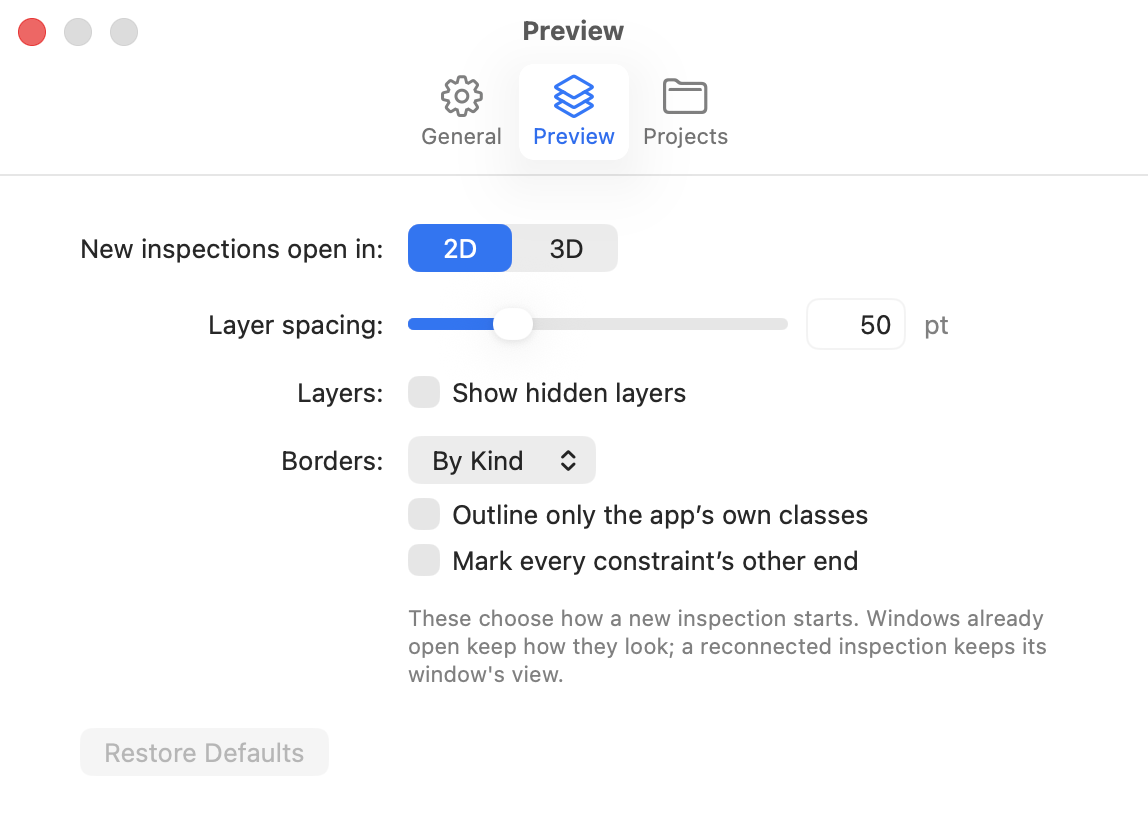
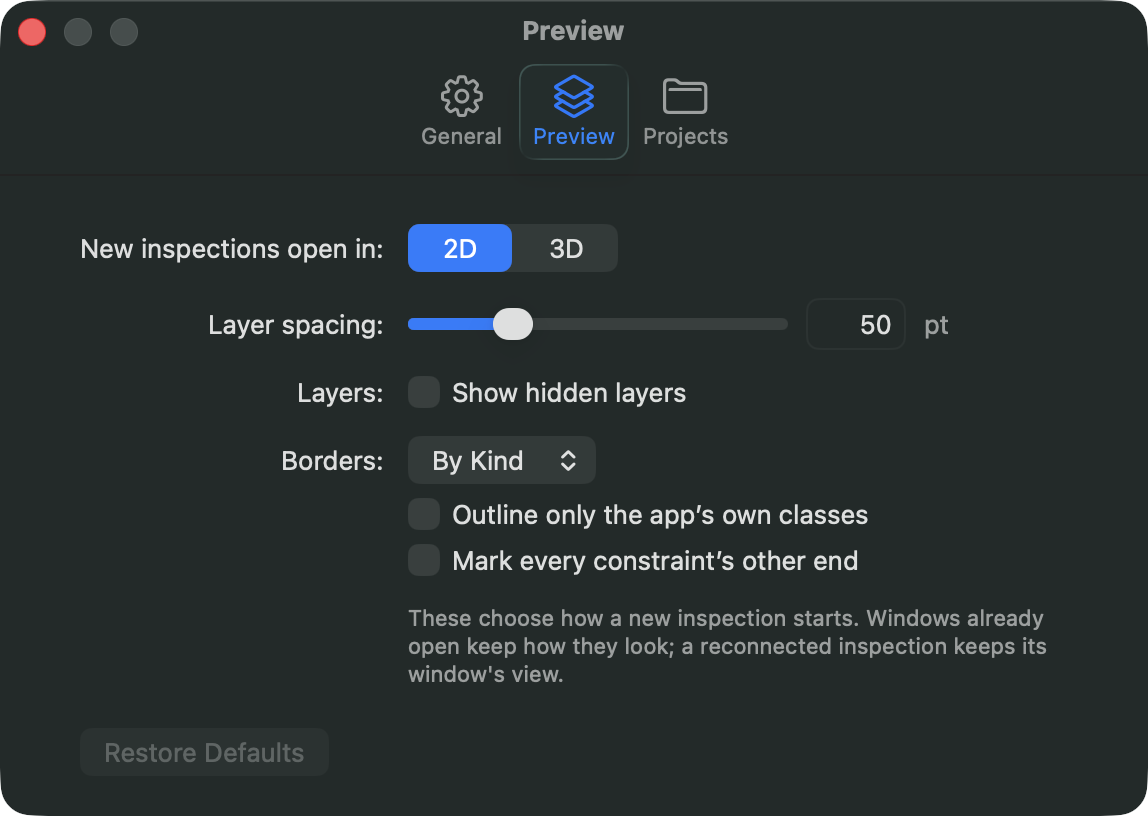
These choose how a new inspection starts. Windows already open keep how they look, and a reconnected inspection keeps its window’s view. An archive opens with the view it was saved with.
- New inspections open in: 2D or 3D.
- Layer spacing: the 3D spacing, from 0 to 200 points.
- Layers: Show hidden layers.
- Borders: Off, Plain or By Kind; Outline only the app’s own classes; Mark every constraint’s other end.
You can change all of these in a window at any time; see The preview.
Projects
The project folders you linked with File › Link Project Folder…, one per app: the app’s name, its bundle ID and the folder. Select one to Change… its folder or Remove it. A folder Cutaway can’t find is marked Can’t find.
Cutaway only reads these folders, to open classes in Xcode and to name colors and texts. See Source code.