
Connecting to apps
Cutaway finds apps that include CutawayServer by itself. This page explains the app list and what Cutaway does when an app comes and goes.
Choose an app
The app list opens when Cutaway starts, and with Window › Show App List (⇧⌘0) or the app’s name in an inspector’s toolbar. Apps are grouped by where they run: the simulators under This Mac, and each device connected over USB under its own name.
Click an app, or select it with the arrow keys and press Return. Its inspector window opens with the layer tree, then fills in the screenshots.
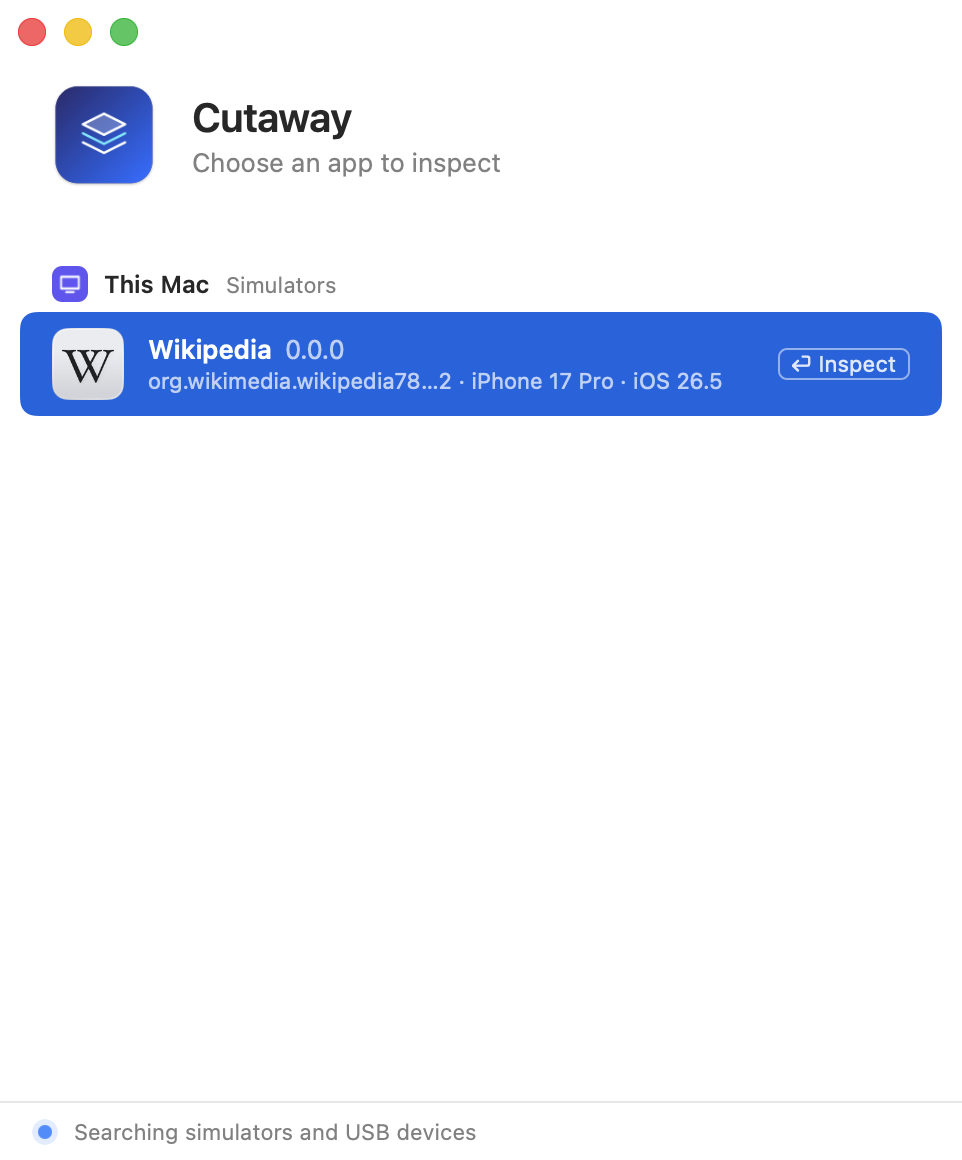
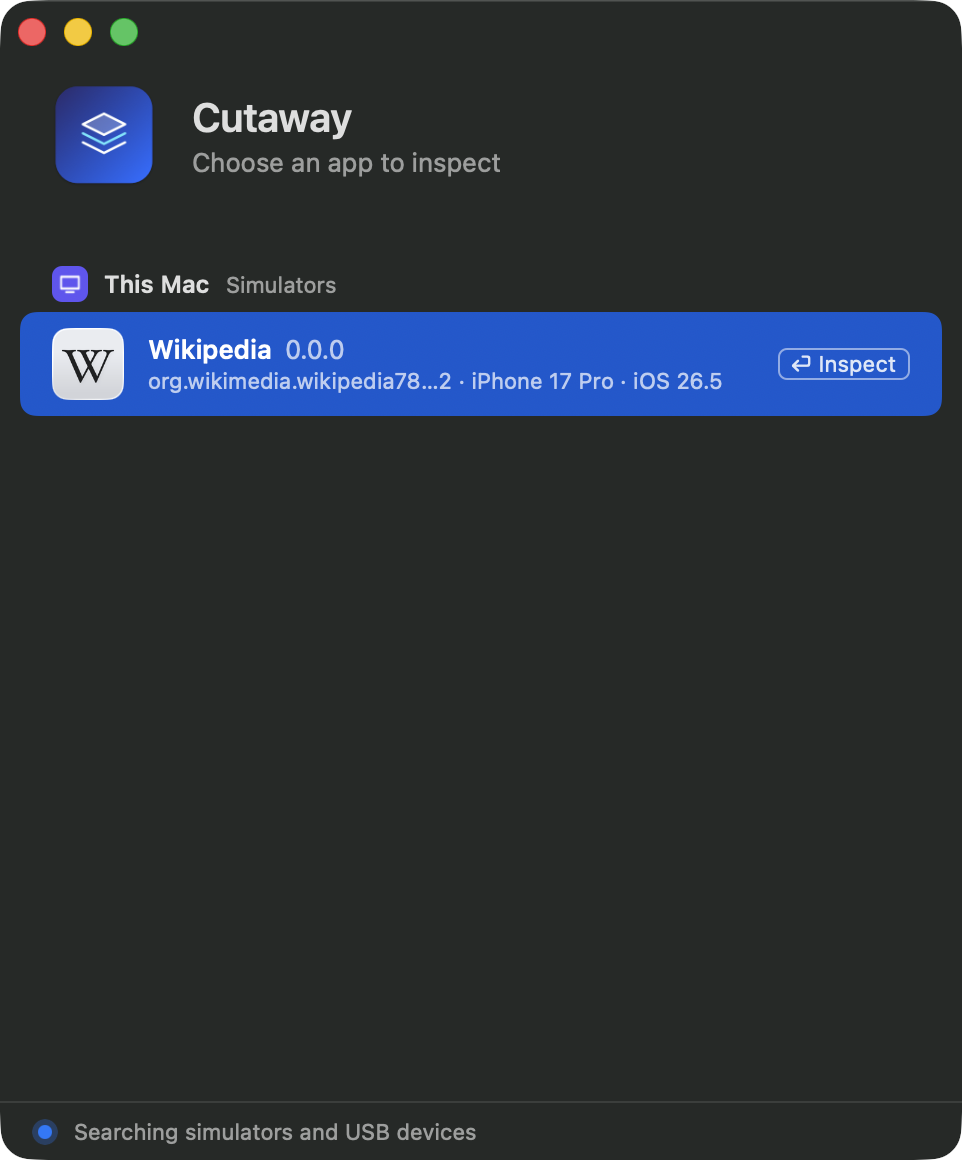
If the list is empty, it says No apps to inspect yet, and links to how to add CutawayServer.
Where Cutaway looks
- Simulators. Every two seconds Cutaway tries ports 48160 to 48167 on
127.0.0.1, where CutawayServer listens in a simulator on this Mac. - Devices. It tries the same ports on every iPhone and iPad connected over USB, through the system’s
usbmuxd. The device must be unlocked and trust this Mac.
An app that answers the handshake is listed. Cutaway keeps one connection per app for as long as it is listed, and leaves alone an app that already has another client: the server serves one client at a time.
Read an app’s badge
| Badge | Meaning |
|---|---|
| In Background | The app is in the background. Its layers load when it comes to the foreground. |
| Inactive | The app is in the foreground but not active, for example while Control Center or a system alert covers it. |
| Incompatible | The app’s server speaks a protocol version this Cutaway can’t speak. The row says both versions; update the older side. See Versions and compatibility. |
When the app goes to the background
Cutaway says so above the preview (“… is not active. Loading continues when it comes to the foreground.”) and waits. Nothing you have open is lost; loading continues when the app returns.
When the connection is lost
The window keeps the last picture and says Lost the connection to YourApp. Waiting for it to come back…. When the same app is found again, for example after you run it again from Xcode, Cutaway reconnects in the same window and loads the tree again, keeping your view.
A request that gets no answer for 10 seconds is given up. If the app sends something the protocol forbids, Cutaway closes the connection.
Keep what you found
To look at an inspection without the device, save it as an archive before you disconnect. See Archives and export.